Why PDF Management Matters
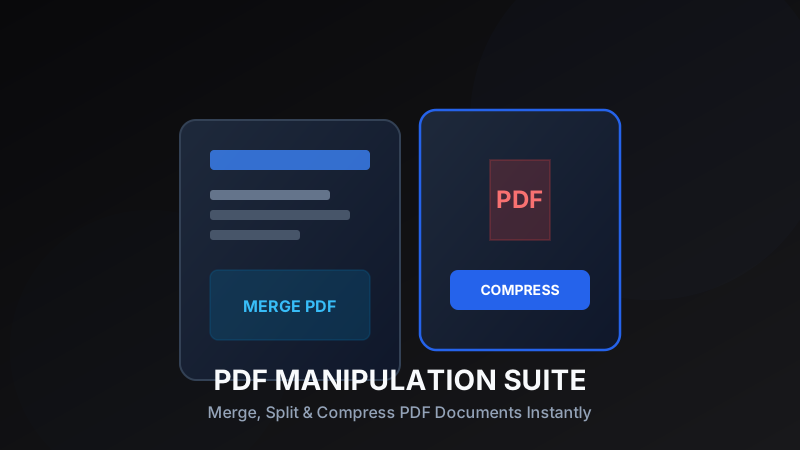
Portable Document Format (PDF) is the universal standard for sharing business contracts, academic research, financial reports, and eBooks. However, working with PDFs can quickly become frustrating when file sizes exceed email upload limits or when separate documents need to be consolidated into a cohesive package. Learning essential PDF manipulation techniques allows professionals to save hours of tedious manual formatting.
Merging Multiple PDF Documents
Combining invoices, receipts, or report chapters into a single file simplifies digital archiving and presentation. Rather than sending clients multiple email attachments, merging them into one sequential PDF presents a cleaner, more professional impression. Modern browser-based tools process PDF pages directly on your device, ensuring fast execution without requiring software installation.
Pro Tip:
Always arrange your files in the exact order you want them to appear before clicking merge.
Extracting & Splitting Specific Pages
Often, you only need a single page or chapter from a 100-page manual or contract. Splitting PDFs enables you to extract selected page ranges into fresh standalone documents. This is invaluable when submitting official documentation where confidential or irrelevant sections must be excluded before sharing.
Reducing File Size with Smart Compression
Large PDF files containing embedded high-resolution graphics can clog up cloud storage and fail to send via email services with strict attachment caps. Compression algorithms reduce embedded image dimensions and clean unused metadata structures without degrading readable text quality, shrinking file footprint by up to 80%.
Pro Tip:
For standard documents with text and charts, medium compression offers the optimal balance between visual clarity and file size reduction.
Privacy & Security Best Practices
When processing sensitive legal or personal documents online, choose web tools that run processing locally in your web browser. Local client-side processing guarantees your private PDF data never leaves your browser session or gets stored on external servers.
Ready to test these tools right now?
ToolRays provides fast, free, privacy-focused browser tools. No sign-up required.