What is Markdown and Why Use It?
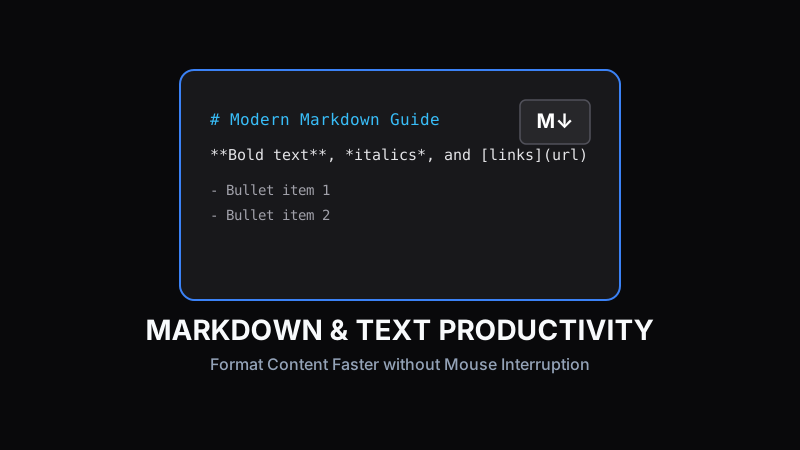
Markdown is a lightweight markup language created by John Gruber in 2004. It allows writers to format plain text documents using unobtrusive syntax characters like hash marks and asterisks, rendering rich HTML content without needing cumbersome WYSIWYG rich text toolbar menus.
Essential Syntax: Headers, Lists & Links
Formatting headings in Markdown requires adding `#` symbols before your heading text. Surrounding words with single asterisks creates *italics*, while double asterisks make text **bold**. Hyperlinks use simple bracket notation: `[Link Text](https://example.com)`.
# Main Heading
## Section Subheading
- Bullet item 1
- Bullet item 2

**Bold Text** and *Italic Text*
Formatting Code Blocks and Blockquotes
Developers love Markdown because code snippets can be fenced with triple backticks (```) alongside language names for automatic syntax highlighting. Blockquotes use the standard `>` character.
Pro Tip:
Markdown files (.md) stay completely portable across text editors, platforms, and static site generators like Next.js.
Real-Time Previewing and Proofing Workflows
Using an online Markdown previewer lets writers catch syntax errors, verify broken image links, and inspect final typography layout before publishing articles to production environments.
Tracking Word Counts & Writing Speed
Combining Markdown writing habits with real-time word counter utilities helps copywriters hit exact target word lengths, estimate reading duration, and streamline content production velocity.
Ready to test these tools right now?
ToolRays provides fast, free, privacy-focused browser tools. No sign-up required.